

It was a slow week for GlotPress.
The only changes were language variants standardizations and plural forms fixes, contributed by Zé. All variants language names are now in the form Main language (Region). Example: Spanish (Chile).
It was a slow week for GlotPress.
The only changes were language variants standardizations and plural forms fixes, contributed by Zé. All variants language names are now in the form Main language (Region). Example: Spanish (Chile).
/api in front of the URL. For example /projects/wp/dev/de/default gets you the HTML page for German translations and /api/projects/wp/dev/de/default will return the same information, but in JSON.Here is the zeroth edition of the GlotPress report. This series of posts will give you an overview of what happened with GlotPress in the last week.
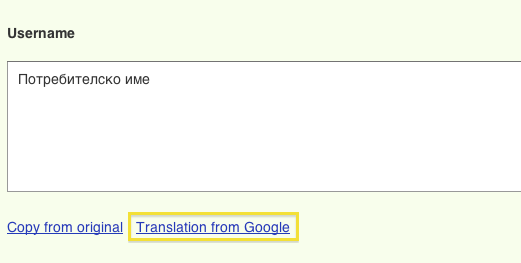
fuzzy.
Sometimes projects have too many strings and the developers want to show the translators what is important and what — not.
Here is how GlotPress helps.
First, if you can administrate a project, you can set priorities:
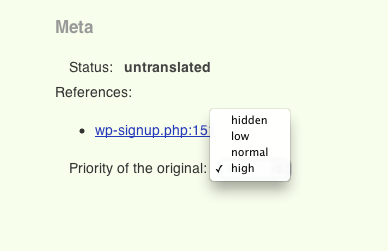
Setting a priority
Then, the translators can see each string’s priority:

High priority

Low priority

Hidden — shown only to admins
The new default sort order is by priority. Translators can also manually sort by priority:
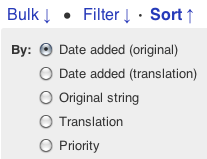
Sorting by priority
In this blog you will find updates on GlotPress development and description of some of its features.
 GlotPress